What is Content Controller?
Welcome to Content Controller! This user guide is for all Content Controller users. We’ll cover setting up your user account and signing in, adding content and accounts, viewing reports, and administrative functions.
For system administration, you’ll find the Hosting and Deployment documentation helpful.
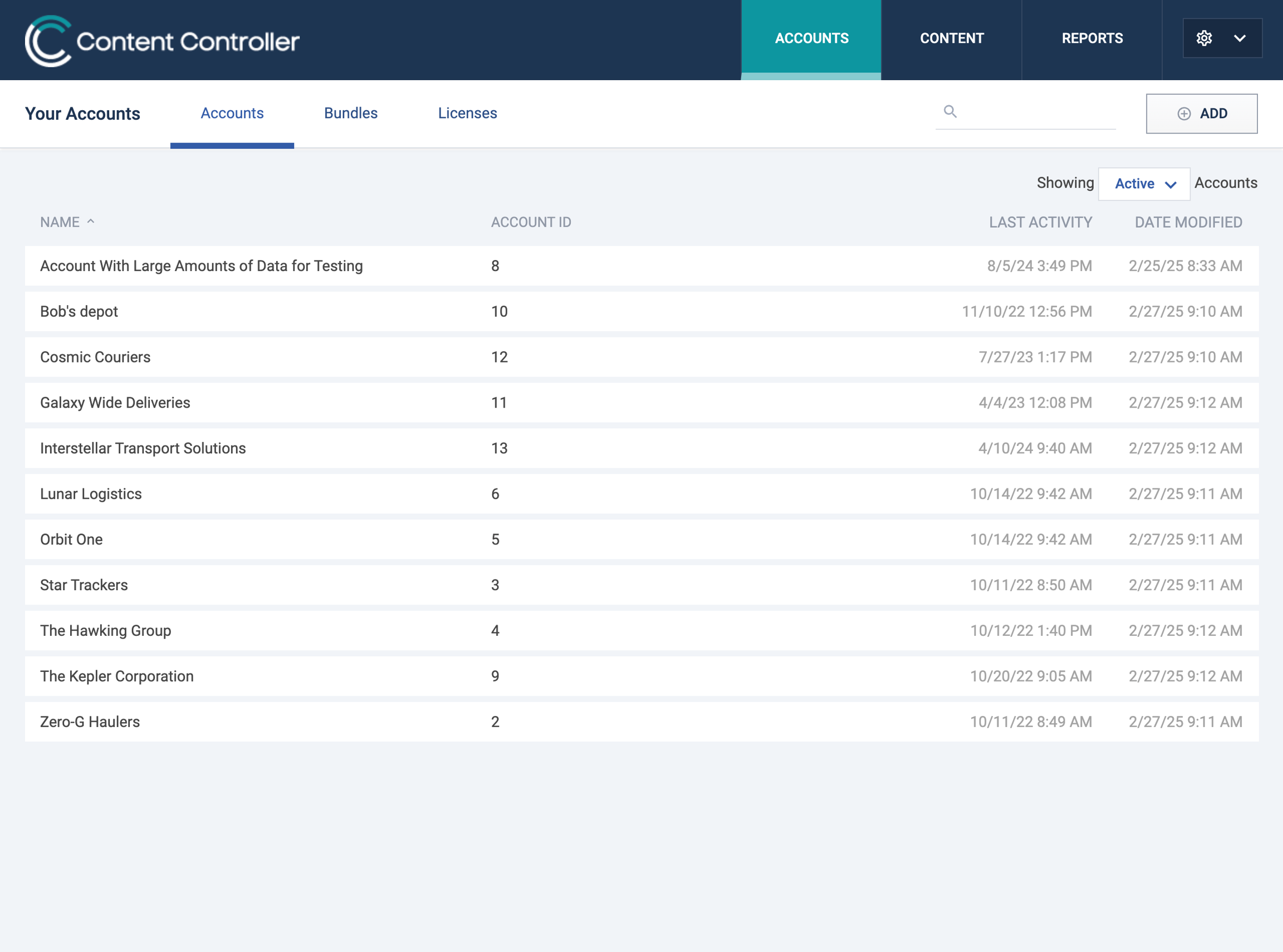
Content Controller is a web-based application for distributing learning content to learning management systems (LMSs). It solves the problem of making learning content available to learners in multiple LMSs while maintaining visibility and control over how the content is used.
Typical use cases for Content Controller:
- Content publishers who deliver courses to customers’ LMSs to sell, and want to protect ownership and manage access to their content.
- Product companies who provide training to partners across various learning systems, but struggle to ensure that users are receiving the latest, most up to date information.
- Organizations with multiple LMSs who want to manage all of their learning and training content from a central location.
- Organizations that want to use Rustici Engine instead of the content player in their LMS for standards and reporting support.
- Organizations that use a SaaS based LMS but need to store sensitive learning and training content on servers they manage.
Ask us anything. Really.
Email: support@rusticisoftware.com
Phone: (866) 497-2676