Managing and editing users
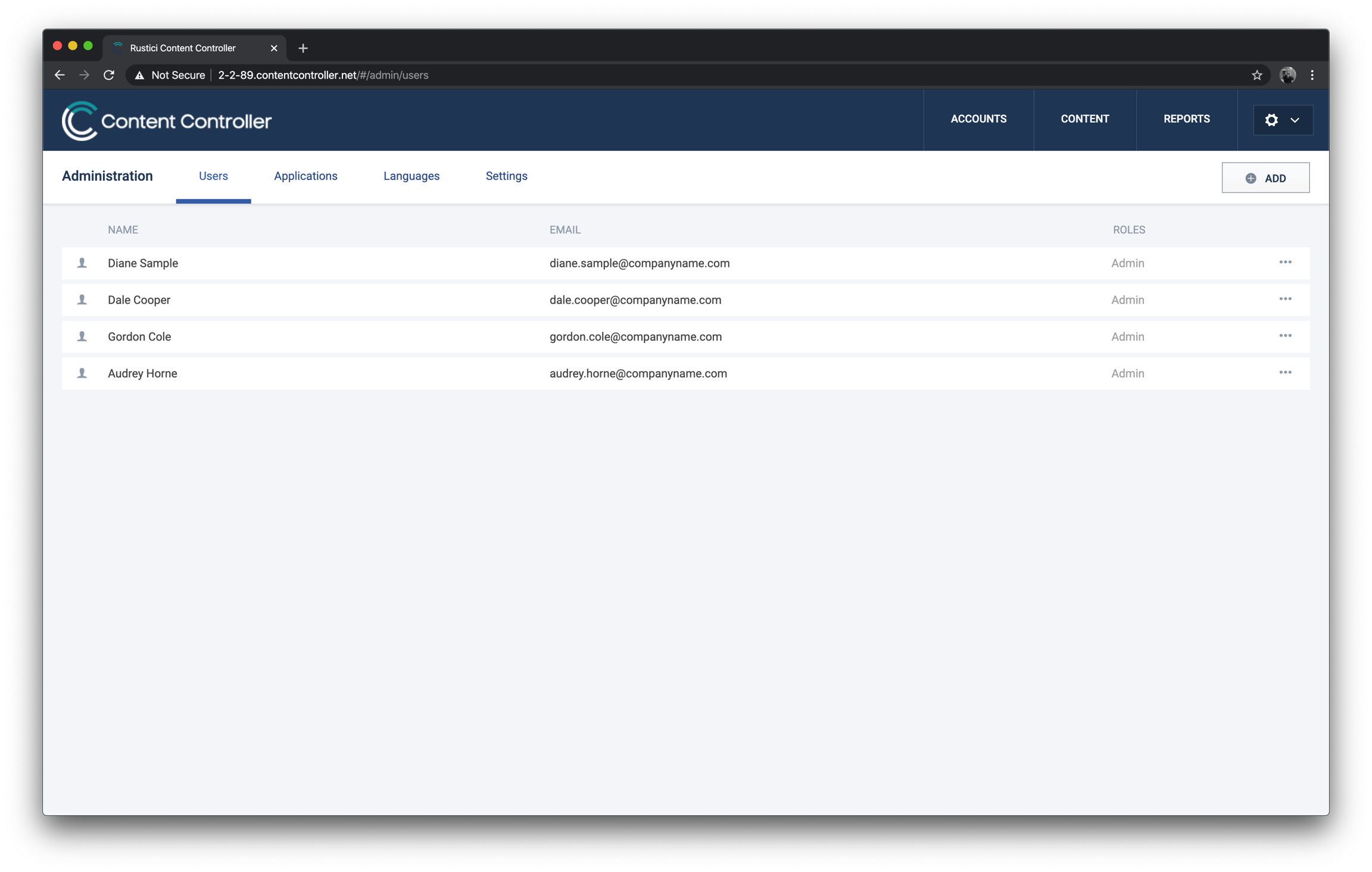
Add a new user to Content Controller
- To add a new user, click Add in the top right, fill out the user’s name and email address and click Add User.
Send a password reset email to a user
- Click anywhere on a user’s row to open User Details. Click Send Password Reset Email.
- Or, click the ••• icon to the right and Send Password Reset Email.
Other user settings
Click the ••• icon to the right for more user settings:
- Edit user
- Make admin
- Restrict to SSO logins
- Send password reset email
- Lock
- Delete
ℹ️
For more information on what a “Non-Admin” user can do see the following knowledge base article What can a “non-admin” do in Content Controller?