Managing API integrations
Managing API integrations connected to Content Controller
ℹ️
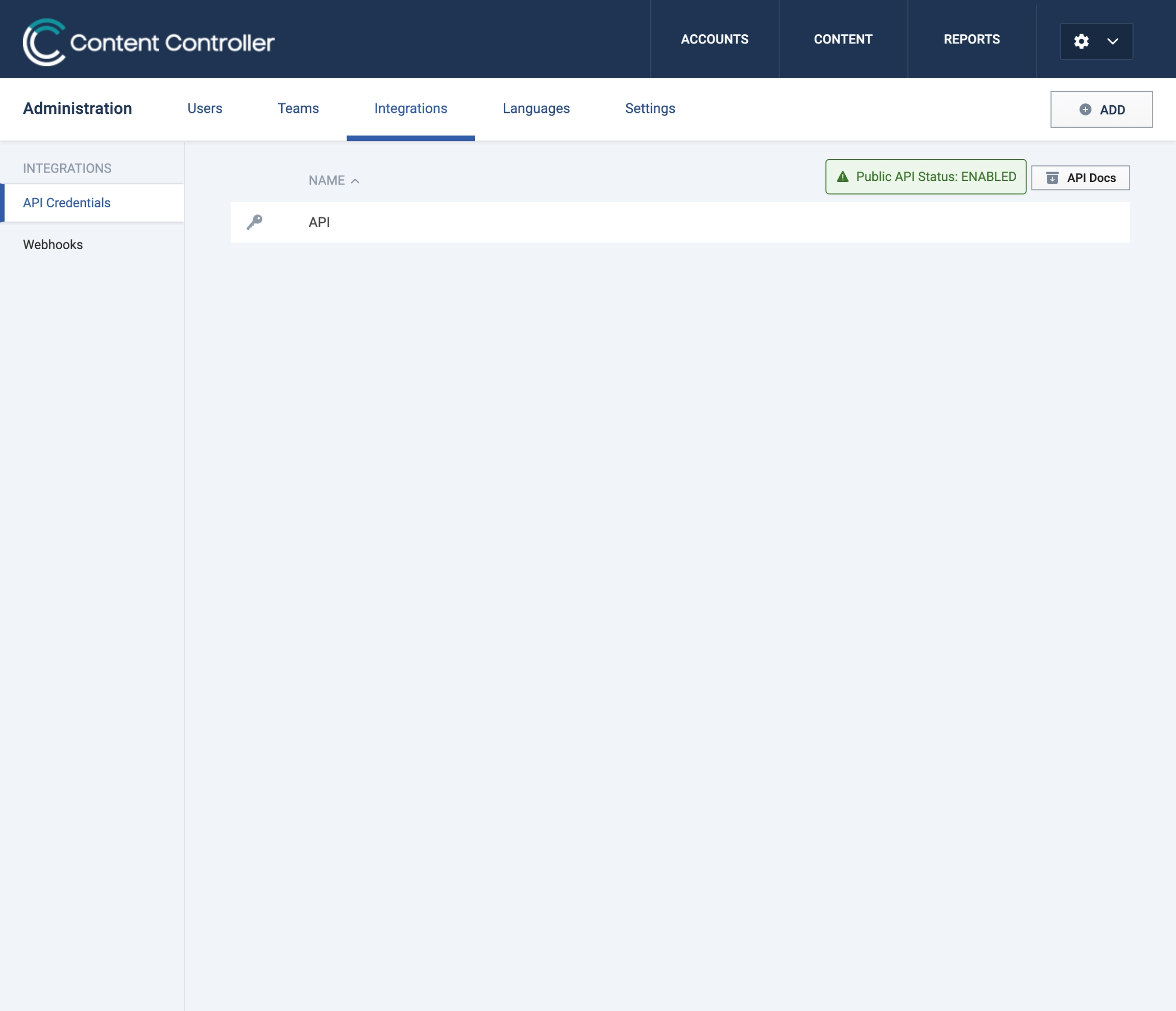
Content Controllers’ public API must be enabled on your account before you can add applications. If you have questions, contact us at support@rusticisoftware.com.
How to add a new application
- Click Add, name your application, then click Add application.
- In the Application Detail panel, you have access to the API endpoint, key, and secret.
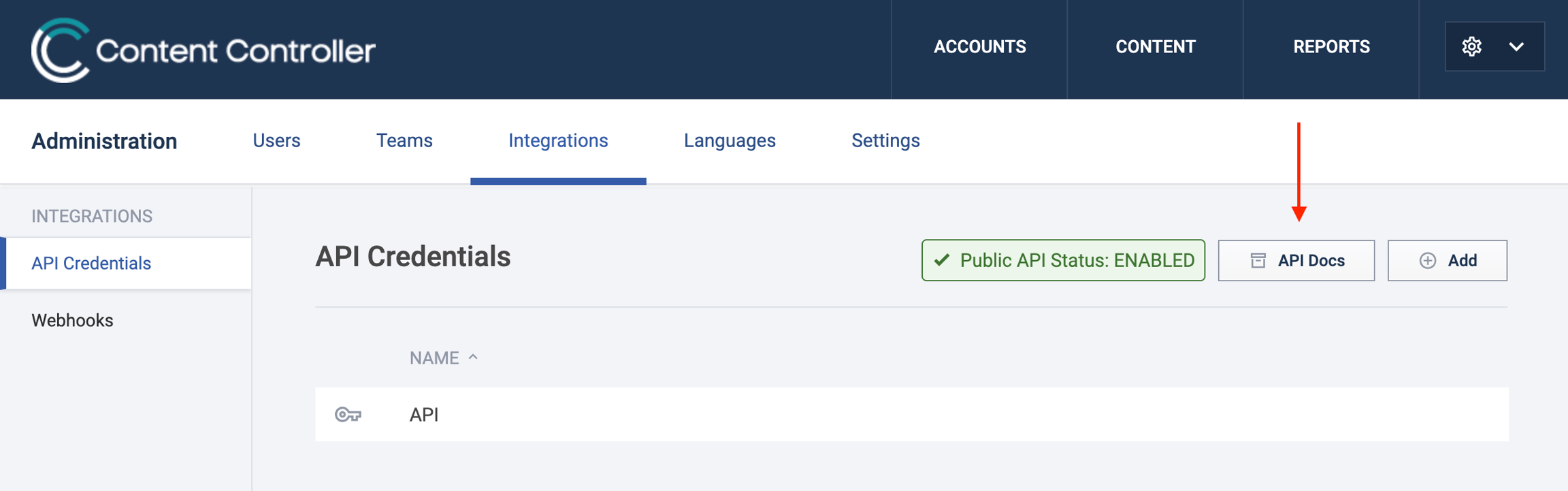
Download API docs
- Click the API Docs button on the right to download in a .zip format.